BRING THE HEAT
Torchit Raw
One-Knob Saturation
"Instant analog heat for flat loops: HQ-oversampled Grit saturation with automatic gain compensation."
WHAT IT DOES
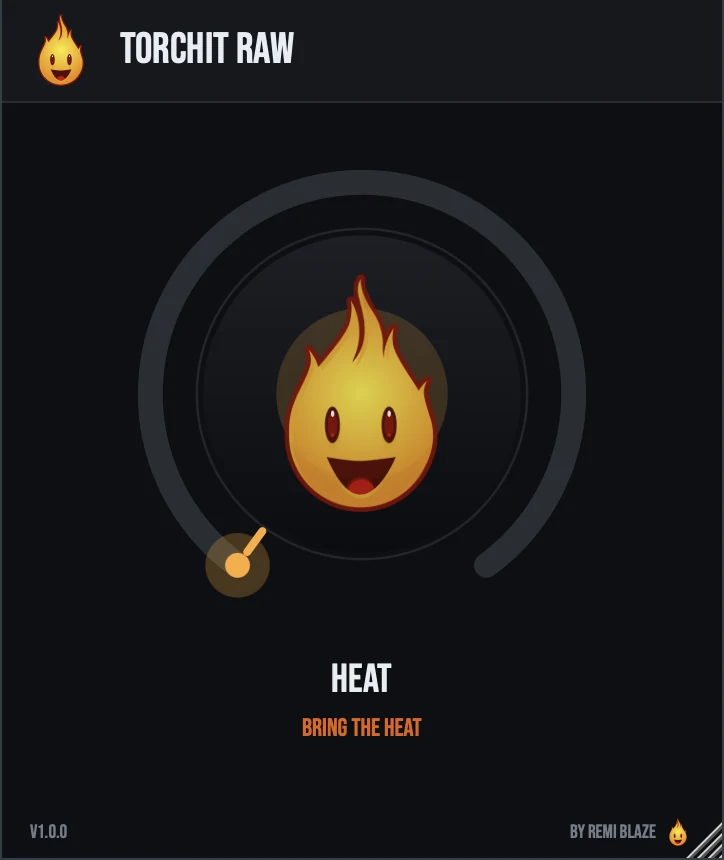
One knob. Turn it up and your track gets instant analog-style grit: no volume spikes, just heat. Torchit Raw is the free, one-knob version of the full Torchit, built to make flat loops, dull kicks, and lifeless synths sound driven and alive in seconds.
The single HEAT knob drives a fixed Grit saturation engine at HQ (8x) oversampling. As you push it, an anti-mud high-pass sweeps in to keep the low end tight and the output is trimmed for headroom, while automatic gain compensation keeps your level steady, so the only thing you hear change is the heat, not the volume.
THE HEAT KNOB
HEAT is a single macro that controls drive intensity. At low settings, you get subtle harmonic warmth. Push it further and the Grit engine bites harder: asymmetric clipping that adds edge and presence. Automatic gain compensation keeps the output level-matched at every position, so your A/B comparison is honest.
UNDER THE HOOD
Saturation pinned to Grit: the saturation character is fixed to the asymmetric Grit clip (different positive and negative shaping), the flagship Torchit tone, with the knee held at Medium.
8× HQ oversampling: quality is pinned to HQ (8× oversampling) for clean, anti-aliased drive across the whole HEAT range.
Anti-mud high-pass: a cascaded high-pass filter (Standard slope) tightens the low end and tracks the HEAT sweep, keeping the bottom clean as the drive increases.
DC blocker: a 5 Hz high-pass on the output preserves headroom after the asymmetric saturation.
Denormal & NaN/Inf protection: realtime-safe processing with denormal prevention and NaN/Inf guarding across the signal path.
INSTALLATION
DOWNLOAD THE INSTALLER
Click Download for macOS or Download for Windows above, then run the installer: the .pkg file on macOS, the .exe file on Windows.
CHOOSE YOUR FORMATS
On macOS you can install AU, VST3, CLAP, AAX and the Standalone app. On Windows: VST3, CLAP and the Standalone app. Pick the formats you want and that your DAWs support.
OPEN YOUR DAW
Restart your DAW and rescan plugins. Find Torchit Raw under Remi Blaze in your plugin list.
UPGRADE TO TORCHIT
Love the heat? The full Torchit goes deeper.
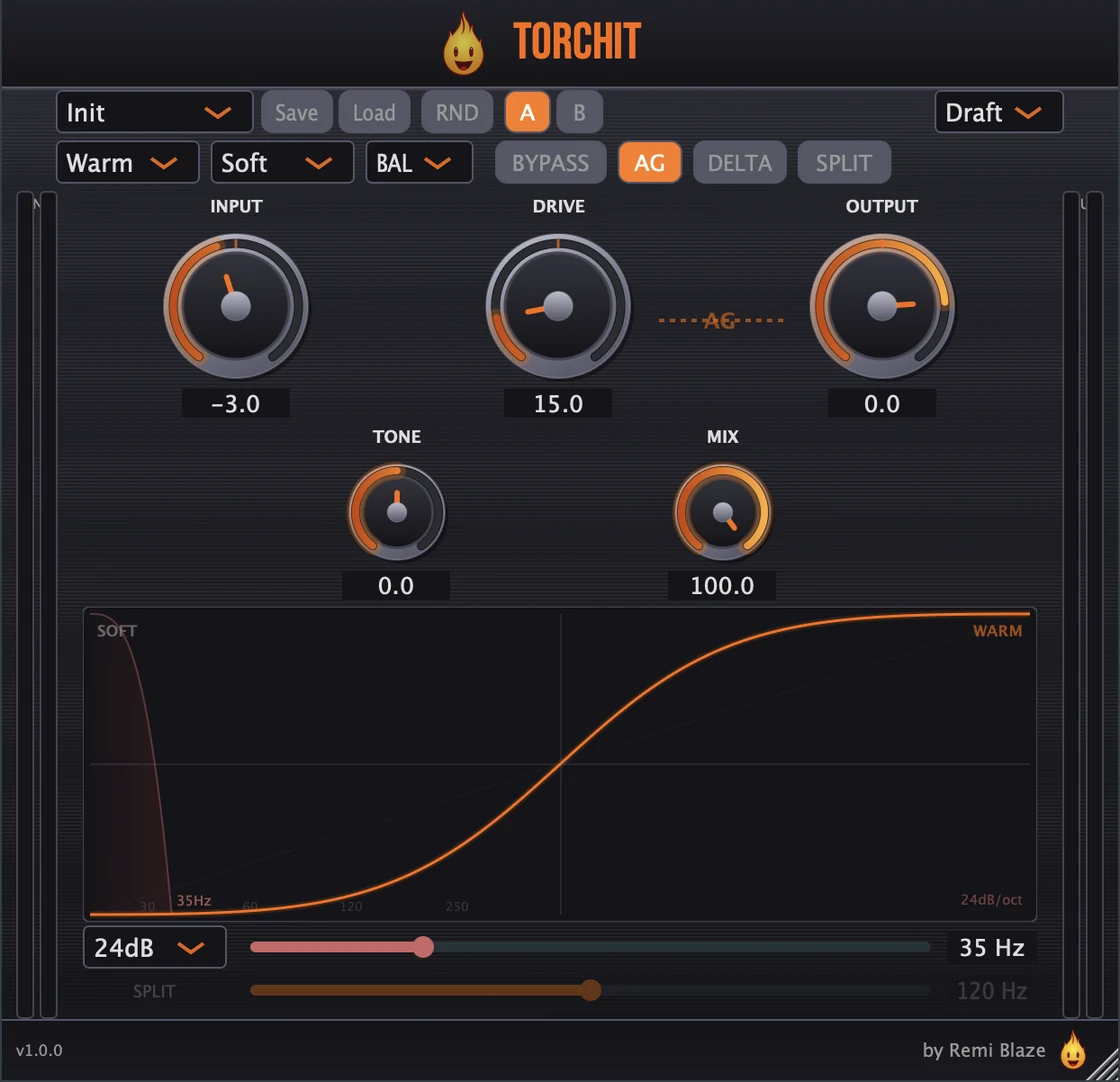
The Pro version adds 4 saturation modes (Warm/Grit/Tube/Tape), Delta forensic monitoring, three tone-shaping modes, anti-mud HP filter, adjustable Knee, manual gain controls, and 21 factory presets tuned for tech house.
IN THE PRESS
- gearnews.frTest des plug-ins Remi Blaze Torchit et Torchit Raw
October 9, 2026 · Review in French · rated 10/10
Articles describe Torchit Raw as it was on the day they were published. This page has the current formats and features. All coverage
FREQUENTLY ASKED QUESTIONS
Yes. Torchit Raw is completely free: freeware, no trial, no nag screens, no expiration.
Yes. The Torchit Raw manual explains its controls with a numbered screenshot of the interface, plus what runs under the hood, a how-to and answers to common questions.
HEAT is a macro that drives the Grit saturation engine with HQ oversampling and automatic gain compensation. Turn it up for more harmonic density: the output stays level-matched so you hear the tone change, not just volume.
Torchit Raw gives you the Grit saturation engine behind a single HEAT knob with auto gain. The full Torchit adds 4 saturation modes (Warm/Grit/Tube/Tape), Delta forensic monitoring, three tone modes, HP filter, knee control, and 21 factory presets.
Yes. Torchit Raw is a Universal Binary that runs natively on Apple Silicon (M1/M2/M3/M4) and Intel Macs, and ships as a 64-bit build for Windows 10 and 11.
No. The engine's auto-gain is forced on and the output is trimmed as HEAT climbs, so loudness holds steady across the whole knob range. You hear the heat change, not the volume, which keeps your A/B honest.
Torchit Raw reports latency at its fixed HQ (8× oversampling) value, and that value never changes as you turn the knob, so your host always gets a stable delay-compensation figure with no playback hiccups.
Inside the plugin. Click the Fire Head, the flame logo in the top bar, to open the About panel. It shows what the plugin is, who made it and its version, plus the trademark notices and a field worth exploring. Click anywhere in the panel to close it.
GET THE REST FREE
Torchit Raw is part of the Blaze Essentials pack: 32 free one-knob plugins. Grab them all.
View Blaze EssentialsLicensed under the Freeware License.