PIN THE PEAKS
Clampit Raw
One-Knob Limiter
"One CLAMP knob: tighter, denser, and louder, with Constant Loudness keeping it level-matched."

WHAT IT DOES
Turn one knob and your track gets tighter, denser, and louder-feeling: the same tested limiter engine from the full Clampit, behind a single dial. Clampit Raw drives your signal into a brick-wall ceiling and pins the peaks, so mixes, drums, and full masters sound more controlled instantly. Constant Loudness keeps the output level-matched, so you hear the control change, not just the volume: no menus to dig through.
THE CLAMP KNOB
CLAMP is a single macro that drives the limiter and lowers the ceiling together. At low settings you get gentle peak control. Push it further and the limiter clamps harder: tighter, denser, and louder. Constant Loudness is hard-wired on, so every position stays level-matched and your A/B comparison is honest.
UNDER THE HOOD
True-peak limiting with lookahead: inter-sample peaks are detected via a 4x polyphase-IIR oversampler, and a fixed 1.5 ms per-channel lookahead delay lets the limiter catch peaks before they hit.
Constant Loudness compensation: the limiter cancels the input drive so output level stays matched as CLAMP pushes harder, with a rolling K-weighted (ITU-R BS.1770) LUFS measurement running internally.
Output safety chain: a 5 Hz DC blocker removes asymmetric bias, followed by a re-clip to the ceiling, a per-sample NaN/Inf sweep, and an absolute hard safety limit, with denormals guarded.
Static latency: the lookahead delay is padded to a fixed value and reported once, so the host's plugin-delay compensation never shifts, and audio passes through the same delay line during host bypass so alignment stays correct.
One knob, hidden targets: only CLAMP appears in the host automation list; every pinned Pro parameter is wrapped as non-automatable but still saved and restored with the plugin state.
INSTALLATION
DOWNLOAD THE INSTALLER
Click Download for macOS or Download for Windows above, then run the installer: the .pkg file on macOS, the .exe file on Windows.
CHOOSE YOUR FORMATS
On macOS you can install AU, VST3, CLAP, AAX and the Standalone app. On Windows: VST3, CLAP and the Standalone app. Pick the formats you want and that your DAWs support.
OPEN YOUR DAW
Restart your DAW and rescan plugins. Find Clampit Raw under Remi Blaze in your plugin list.
UPGRADE TO CLAMPIT
Love the clamp? The full Clampit goes deeper.
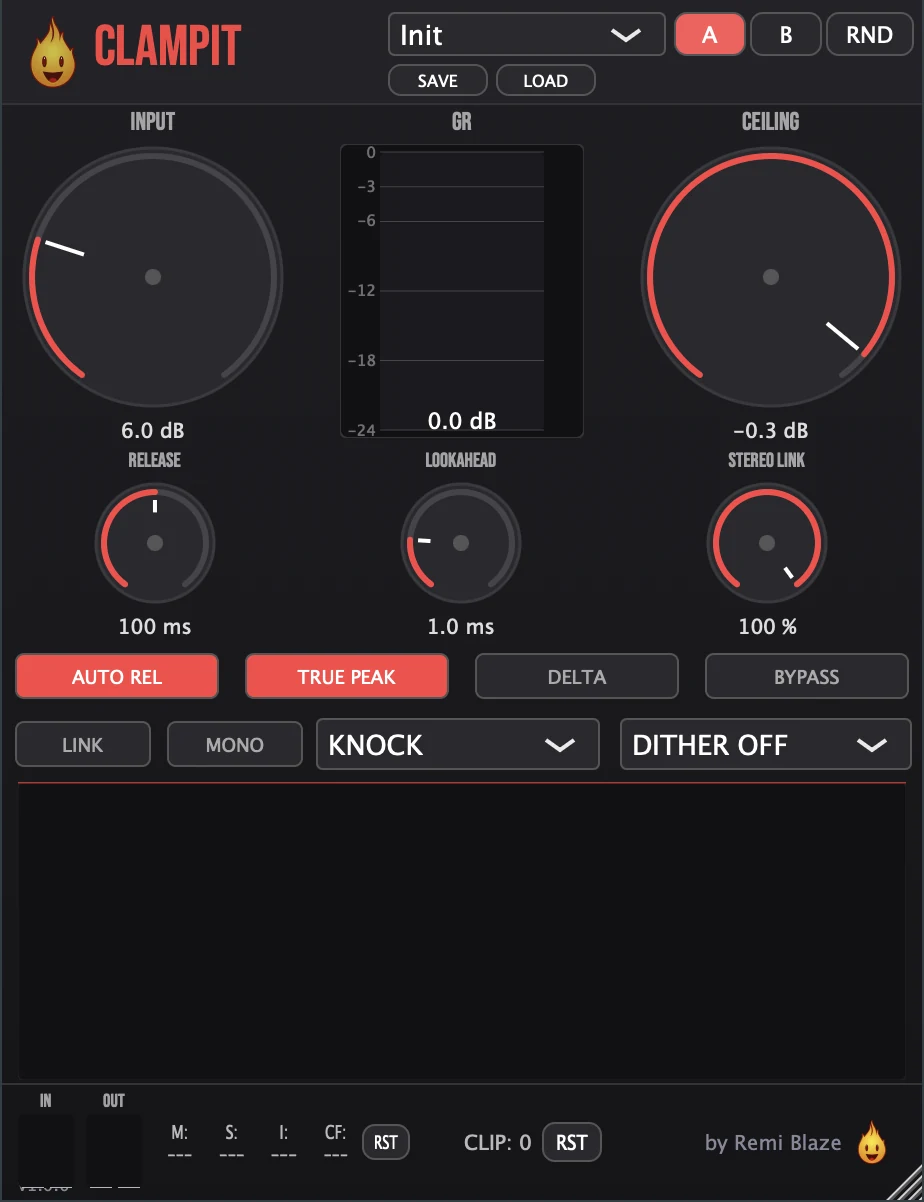
The Pro version adds three knee characters (KNOCK/GLUE/CLOBBER), BS.1770 LUFS metering, true peak inter-sample limiting, adjustable lookahead, stereo link, and A/B comparison: the last plugin on your master bus.
FREQUENTLY ASKED QUESTIONS
Yes. Clampit Raw is completely free: freeware, no trial, no nag screens, no expiration.
Yes. The Clampit Raw manual explains its controls with a numbered screenshot of the interface, plus what runs under the hood, a how-to and answers to common questions.
CLAMP is a macro that drives the signal into a brick-wall ceiling and pins the peaks: tighter, denser, and louder. Constant Loudness keeps the output level-matched, so it gets more controlled, not just louder.
Clampit Raw gives you the tested Clampit limiter engine behind a single CLAMP knob with Constant Loudness. The full Clampit adds three knee characters (KNOCK/GLUE/CLOBBER), BS.1770 LUFS metering, true peak limiting, lookahead, stereo link, and A/B comparison.
Yes. Clampit Raw is a Universal Binary that runs natively on Apple Silicon (M1/M2/M3/M4) and Intel Macs, and ships as a 64-bit build for Windows 10 and 11.
Clampit Raw uses a fixed 1.5 ms lookahead delay so the limiter can catch peaks before they hit. That delay is padded to a fixed value and reported once, so the host's plugin-delay compensation never shifts mid-stream, and audio is passed through the same delay line during host bypass so track alignment stays correct.
Yes: CLAMP is the only host-automatable parameter, so you can automate all the clamping from a single lane. Every hidden Pro parameter (input, ceiling, release, lookahead, true peak, stereo link, and more) is wrapped as non-automatable but still saved and restored with the plugin state.
Inside the plugin. Click the Fire Head, the flame logo in the top bar, to open the About panel. It shows what the plugin is, who made it and its version, plus the trademark notices and a field worth exploring. Click anywhere in the panel to close it.
GET THE REST FREE
Clampit Raw is part of the Blaze Essentials pack: free one-knob plugins. Grab them all.
View Blaze EssentialsLicensed under the Freeware License.