Carvix
Sample Slicer & MIDI Sampler
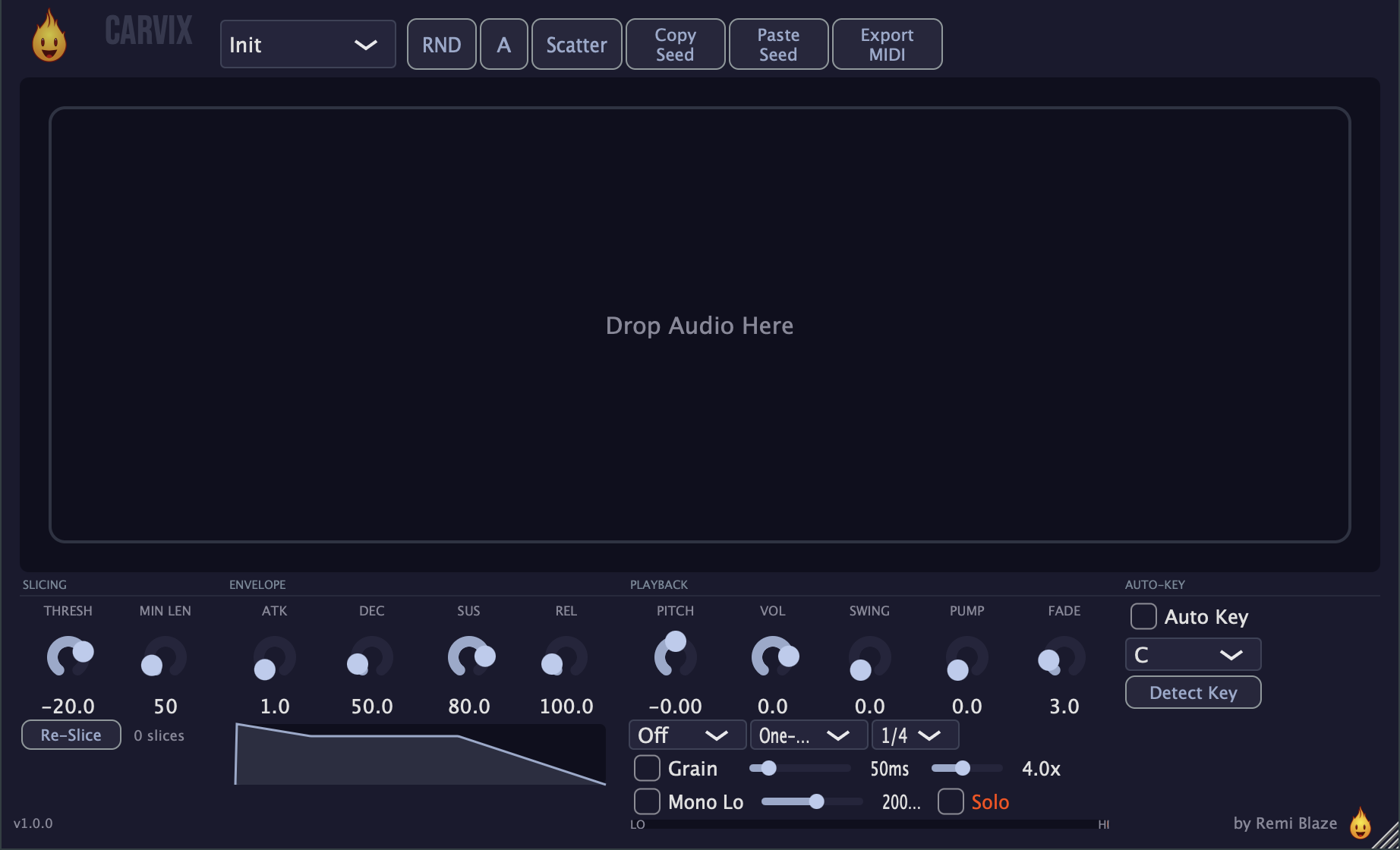
"Drop a sample, auto-slice on transients, map each slice to a MIDI note — then play it back with 4-voice poly, ADSR, ±24st pitch, granular, and automatic key detection. Your whole crate, playable."
Carvix is a MIDI-driven sampler instrument that turns any audio file into a playable kit. Drop in a loop or one-shot (up to 60 seconds), let it auto-slice on the transients, and every chop maps to an ascending MIDI note from C3 — trigger them live from your keyboard or sequence them in the piano roll. Fine-tune slices, retune to your project key, and shape the sound with granular, bit-crush, tempo-synced pump, and mono-low tools, all inside one instrument track.
INSTALLATION
4 steps. Requires Creative Pass.
CONNECT YOUR WALLET
Click Connect Wallet above and sign in with a wallet holding the Creative Pass NFT. The download button unlocks automatically.
RUN THE INSTALLER
Double-click the .pkg file. Choose AU, VST3, CLAP, AAX or Standalone.
CHOOSE YOUR FORMATS
The installer lets you pick AU (Logic, GarageBand, Ableton), VST3 (Ableton, Reaper, Bitwig, FL Studio), and the Standalone app. Install takes a few seconds.
LOAD IT AS AN INSTRUMENT
Restart your DAW and rescan plugins if needed. Carvix is an instrument — load it on a MIDI/instrument track. Find it under Remi Blaze in your plugin list.
- Ableton: Instruments › MIDI track
- Logic Pro: AU Instruments › Remi Blaze › Carvix
- Reaper: Add as instrument › route MIDI to it
FEATURES
Slicing & Mapping
Playback Engine
Slice Control
Sound Design
Workflow
Under the Hood
SYSTEM REQUIREMENTS
- OS macOS (Apple Silicon or Intel)
- Architecture Universal Binary (Mac) · x64 (Windows)
- Formats Instrument. macOS: AU, VST3, CLAP, AAX, Standalone. Windows: VST3, CLAP, Standalone
- DAW Any AU, VST3, CLAP or AAX compatible host
- Access Requires Creative Pass NFT
FREQUENTLY ASKED QUESTIONS
Carvix is a sample slicer and MIDI-triggered sampler built for tech house and electronic music producers. Drop a sample, auto-slice on transients, map each slice to a MIDI note, and play it with 4-voice polyphony, ADSR, ±24 semitone pitch, granular playback, and automatic key detection. Available in macOS: AU/VST3/CLAP/AAX/Standalone. Windows: VST3/CLAP/Standalone.
Carvix is exclusive to Creative Pass holders. The Creative Pass is a one-time NFT mint on Base chain — no subscriptions, own it permanently. Once you hold the Creative Pass, connect your wallet on remiblaze.com to unlock the download.
Yes. Carvix is a MIDI-triggered instrument — it renders audio from a loaded sample and incoming MIDI notes rather than processing an insert. In Logic it appears under AU Instruments; in Ableton load it on a MIDI/instrument track.
Carvix detects transients in your dropped sample and slices at those points, then maps each slice to a MIDI note so you can replay and re-sequence the parts from your keyboard or piano roll — instant chopped drums, vocals, and loops.
Yes. Carvix is a Universal Binary that runs natively on Apple Silicon (M1/M2/M3/M4) and Intel Macs, and ships as a 64-bit build for Windows 10 and 11.
GET ACCESS
Carvix is exclusive to Creative Pass holders. Mint once on Base chain — no subscriptions, own it permanently. Or grab the free Carvix Raw one-knob mangler.
TIP THE DEV
Tips fund new plugins, new platforms, and new features. Send ETH on Base, Ethereum, or any EVM chain.
0xDDc9...1759
Licensed under the NFT License.